New: Content Calendar Template with Social Scheduler
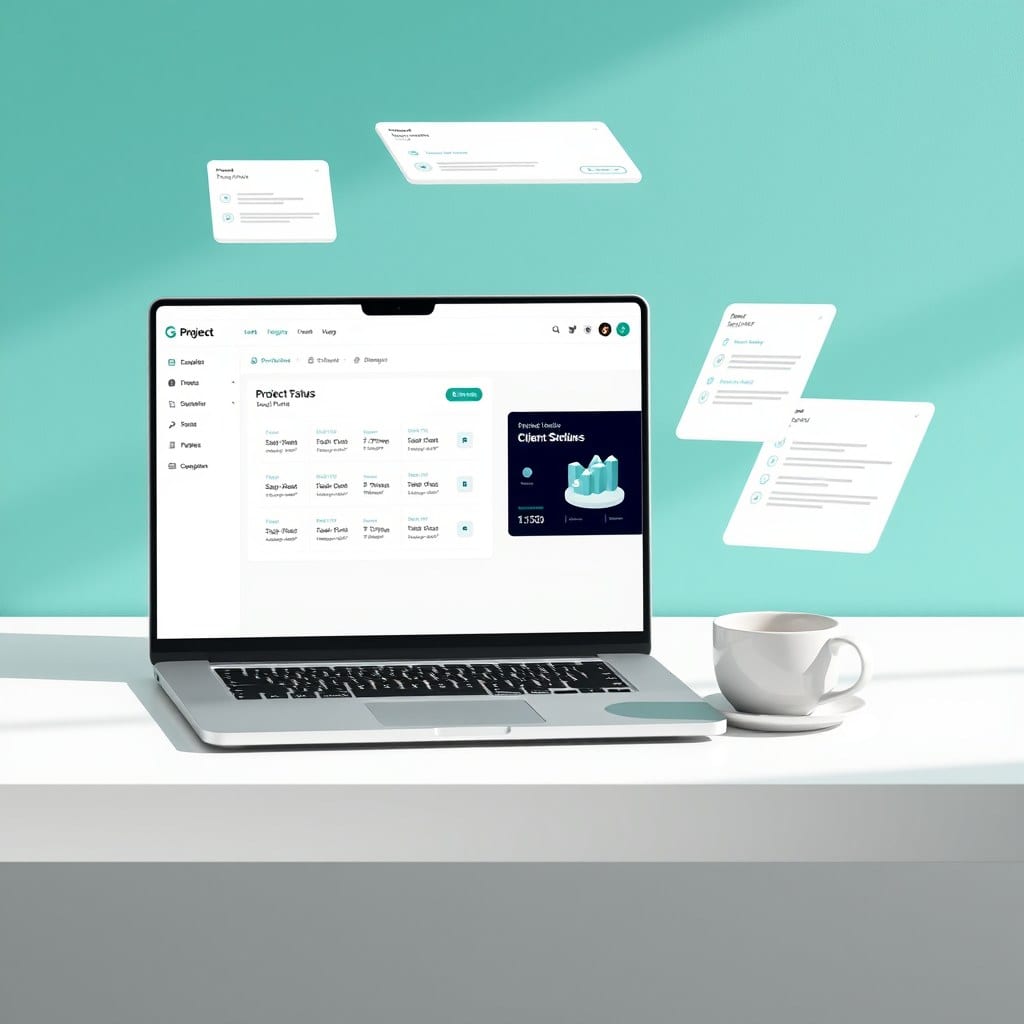
I’m excited to launch an update to my popular Content Calendar template. If you’ve been using the old version, you’ll notice a new database view called ‘Social Scheduler.’
Why the update? I noticed a lot of us plan our blog posts in Notion, but then have to switch to a separate tool to schedule social media. That’s annoying. So I added a view that shows your content pieces with their social status — draft, scheduled, or published.
You can still use the calendar view to see your month at a glance, but now you can also filter by platform (Instagram, LinkedIn, etc.). The setup takes less than a minute: just duplicate the template and start adding your content.
Existing customers get this update for free. If you bought the template before, just re-download it from your email link. If you haven’t grabbed it yet, now’s a good time.